Open source is at a crossroads. For the past few years, venture capital has directly or indirectly paid for many of the contributors and much of the infrastructure it needed to keep going.
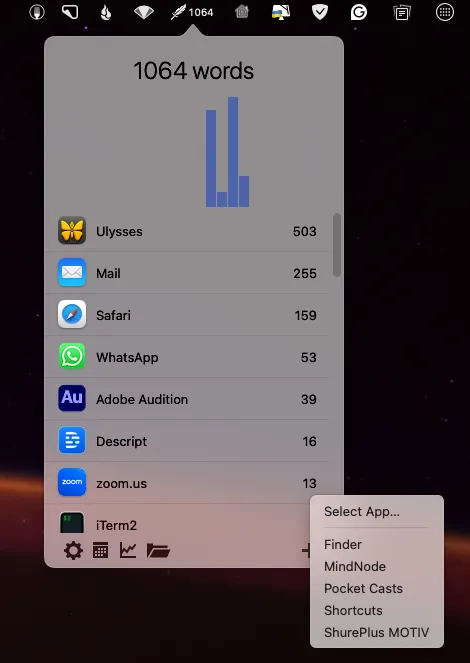
How many words do you write every day? Think about it. Every time you send an email, post in Slack, or comment on an Instagram post. Oh, you thought I would mention those wondrous words you pour into your latest novel, blog post, marketing copy, or script?
I create a lot of content with audio. Interviews that become final podcasts, final podcasts, videos, and more. In almost all cases, a transcript of that audio is useful. Often, I use it to create a blog post based on that audio, and I am also in the process of creating interactive transcripts for my backlog of podcasts. And that aside, accompanying transcriptions of shows are good for SEO and accessibility.
We had to put our 17-year-old cat to sleep last week. First, why does English have such terrible words for this action? “Putting down”, “putting to sleep”. They are both terrible ways to describe such an action, but I’m not sure I have any better ideas…
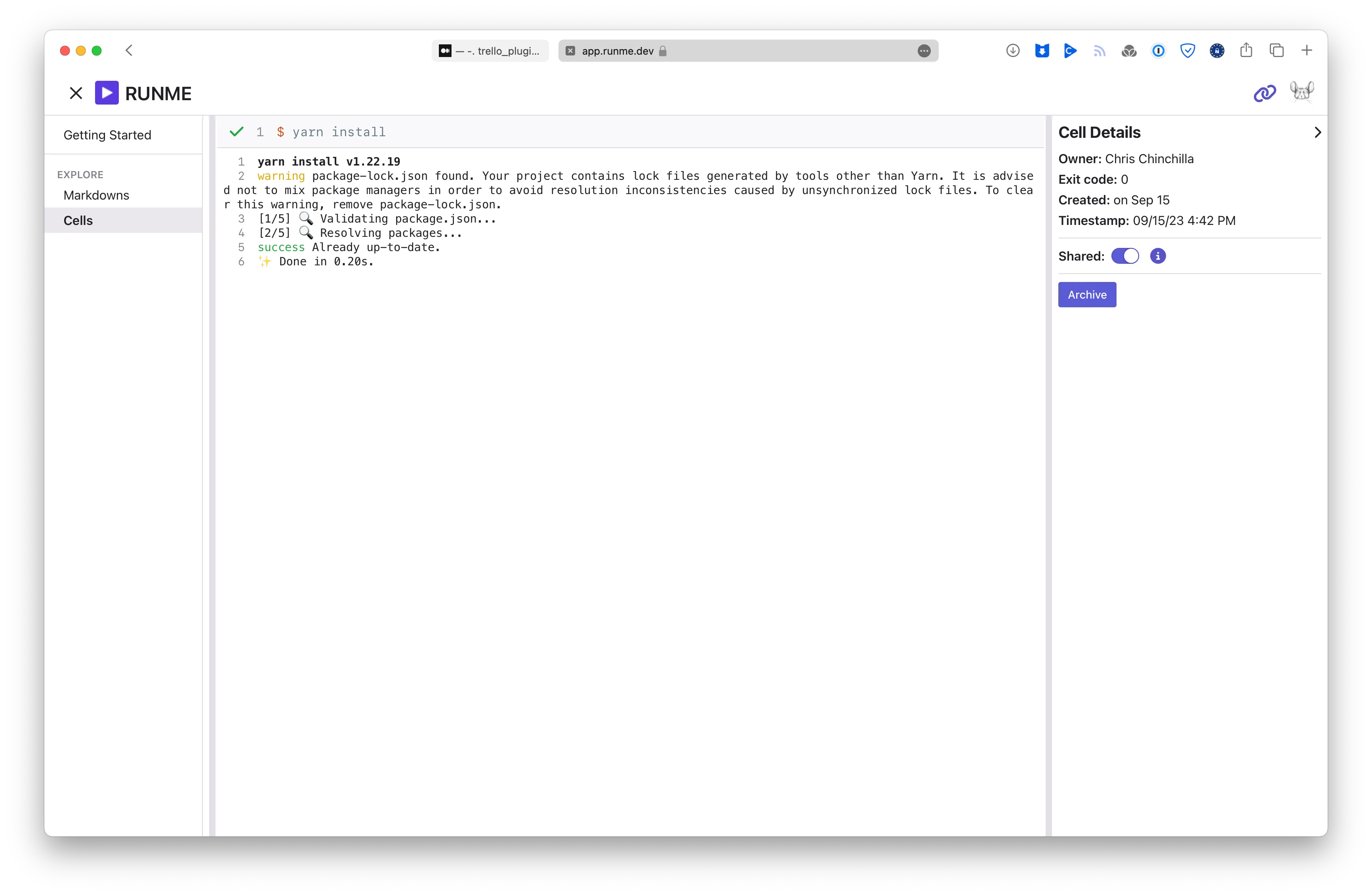
Markdown may be popular for its simplicity and "plainness", but it's often full of information. Whether for internal or external consumption, that information often contains code snippets for running certain commands or code examples. Wouldn't it be great if you could run that code directly as you read from within the markdown?
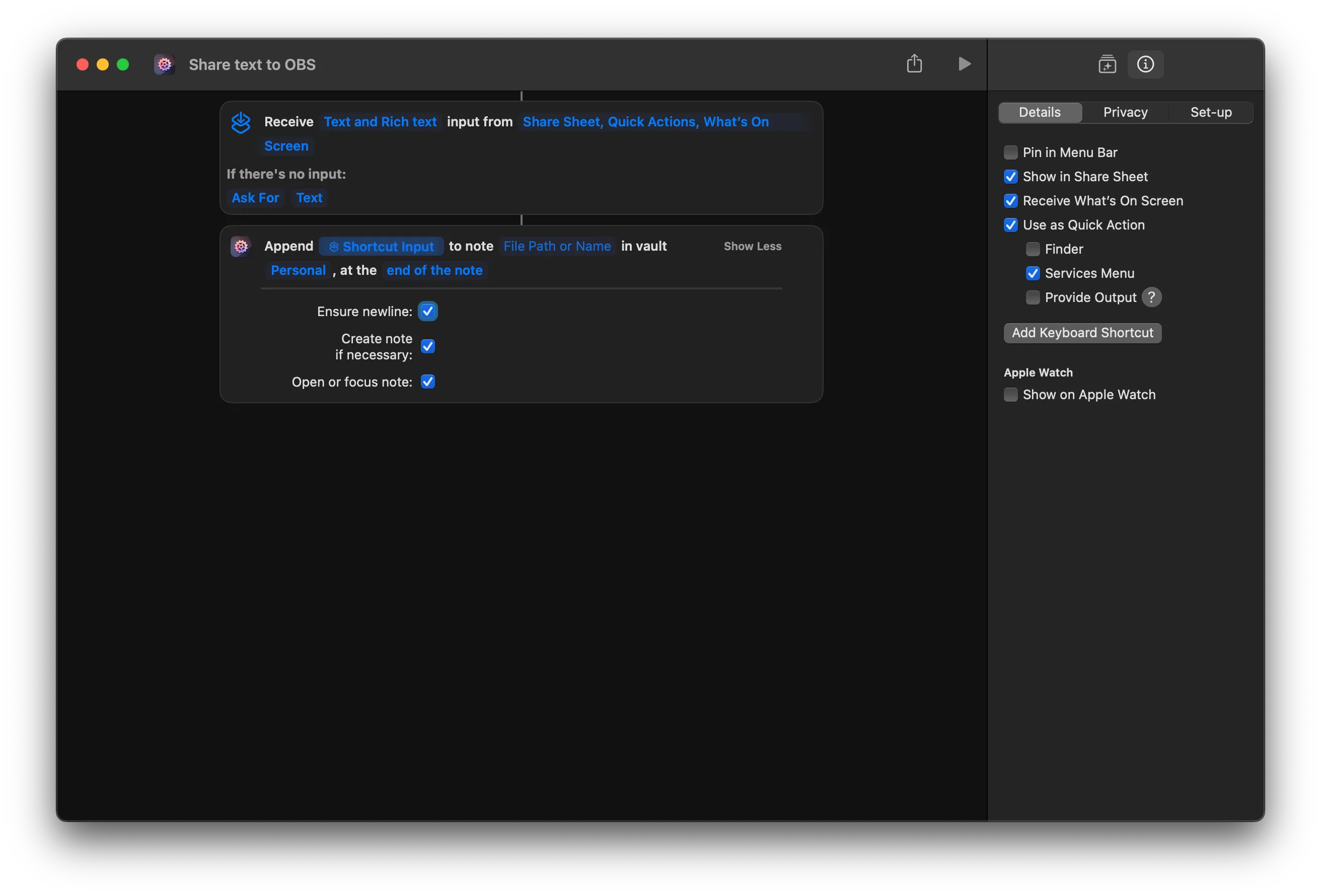
I've mentioned before that I have been using Obsidian more and more, and from a knowledge management perspective, it's fantastic, with a plethora of plugins that extend its functionality to connect to many external services. But as a cross-platform Electron application, integration with the host operating system is one of the places it fails. As the underlying data store is a folder of files, some integration is possible there, but Obsidian has minimal awareness of changes that happen.
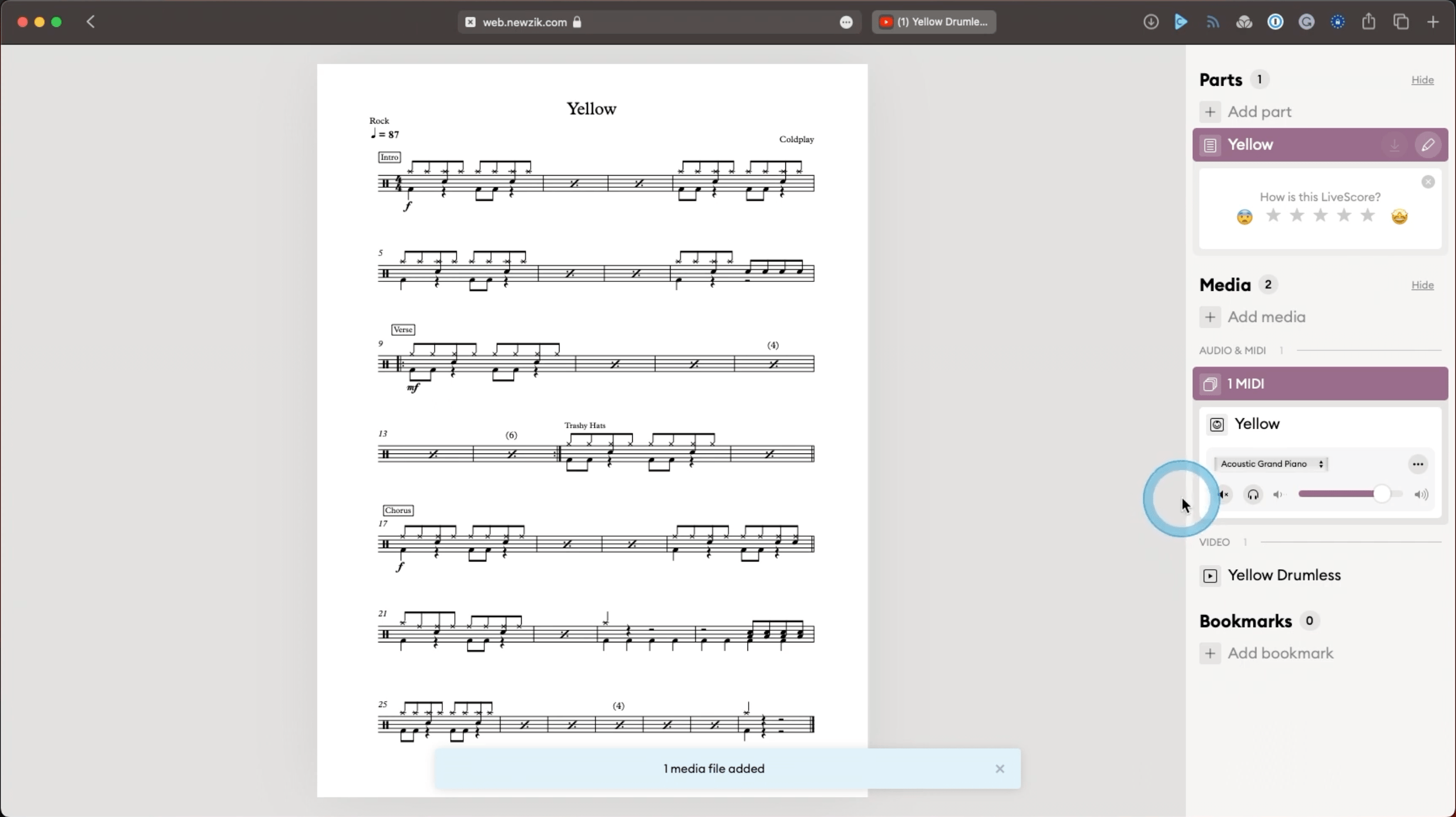
I have a past life in music. In the late 1990s, I produced one of the first online fanzines and wrote for several street press magazines in London and Melbourne. In the middle of that, I also played in bands in the UK and Australia, playing guitar and, latterly, drums. And then I stopped. My musical creative spark had run out. Fast forward to about 2021, and it returned, primarily due to relearning the instruments I had always played by “feeling” in the past. Actively learning instruments and production techniques familiar to me properly opened my musical mind again, and I am slowly producing music I always wanted to make in the past before joining rock bands.
I am extremely lucky to have a display problem. I have a small home office and a studio setup. At home, I sometimes have my laptop under my screen and sometimes to the left. In the studio, I have two external screens, one of which I switch to 1080p when recording videos. So that’s four potential screen configurations. I have always found screen configuration on macOS relatively smart and reliable. It tends to remember individual screens and automatically switch to the configuration you last used with that screen. But if you want to manually change layouts or resolutions, what do you do? You can keep jumping into system settings to make changes, but that gets tedious quickly. I wondered if there was a better way.
What do American Online, the Apple Newton, DVDs, Tamagochis, MP3, PDF, and Sony Discmans all share in common? They were all products born in (and some dying in) the 1990s. An era I remember vaguely well as I spent most of my mid to late teenage years in it. And now I see the fashions and band T-shirts from that era back on the streets and…
It’s been a few years since I attended Berlin’s Internationale Funkausstellung, better known as IFA. And after several slow years for conferences and trade fairs, capped off with a slowdown in tech and tech-adjacent spending, I was interested to know what the show floor would feel like.
About 18 months ago, I covered my attempts to replace Evernote. I was surprised by how popular that post was and how much feedback it received. Unsurprisingly, I have adapted and changed my setup since then and in this post, I cover what I now use and how I use it. Hopefully, with the same level of readers and feedback 😁.
In this post, I cover how I use Aeon Timeline, an application for building interactive narrative timelines. If you want to read more, then take a look at the post I wrote on the Setapp applications I use regularly.
Welcome to Setapp Month! I have been a user of Setapp for quite a while now, almost ever since the service launched, and I visited Macpaw’s offices in Kyiv, touring their awesome Apple museum and meeting the office cats. Setapp is a macOS and iOS application subscription service, where for $9.99 a month, you get access to dozens of applications, large and small, complex and simple, old favourites and new arrivals.
In my previous post I covered my creative writing setup and the post proved quite popular, so I thank everyone who read and left comments for that. Next in this series of posts covering my various setups is my setup for technical writing. In this post I use the term “tech writing” to cover my documentation, blog post, and longer form technical writing work.
I didn’t attend Detroit last year, but did attend Valencia, and while it was great to be back at a reasonably large in-person event again, the event did feel slightly subdued.
In my last post, I looked at the decision process I went through in deciding what to migrate my long time Jekyll-powered website to. I arrived at Astro and in this post I cover my experiences in migrating to and using Astro.
Last week, I stupidly left the apartment to take a stroll with my office keys. As I shut the front door to double lock it and stared at the wrong set of keys in my hands with disbelief, I realised my mistake. To make things worse, I was sick, the weather was foul, and my wife wasn’t due to return from a work trip until late evening.
I finally finished my first fiction novel after two years of work and have already begun work on my second. I’ve also produced several short stories and have some game supplements in slow progress.
For Windows and macOS users, Docker Desktop has been the main way to use Docker containers for many years. While it remains a viable and usable option for hobbyists and small development teams, recent pricing changes for larger user bases sent people looking for alternatives. I am not looking to replace Docker Desktop myself, but I was interested in trying the alternatives and seeing how they compared.
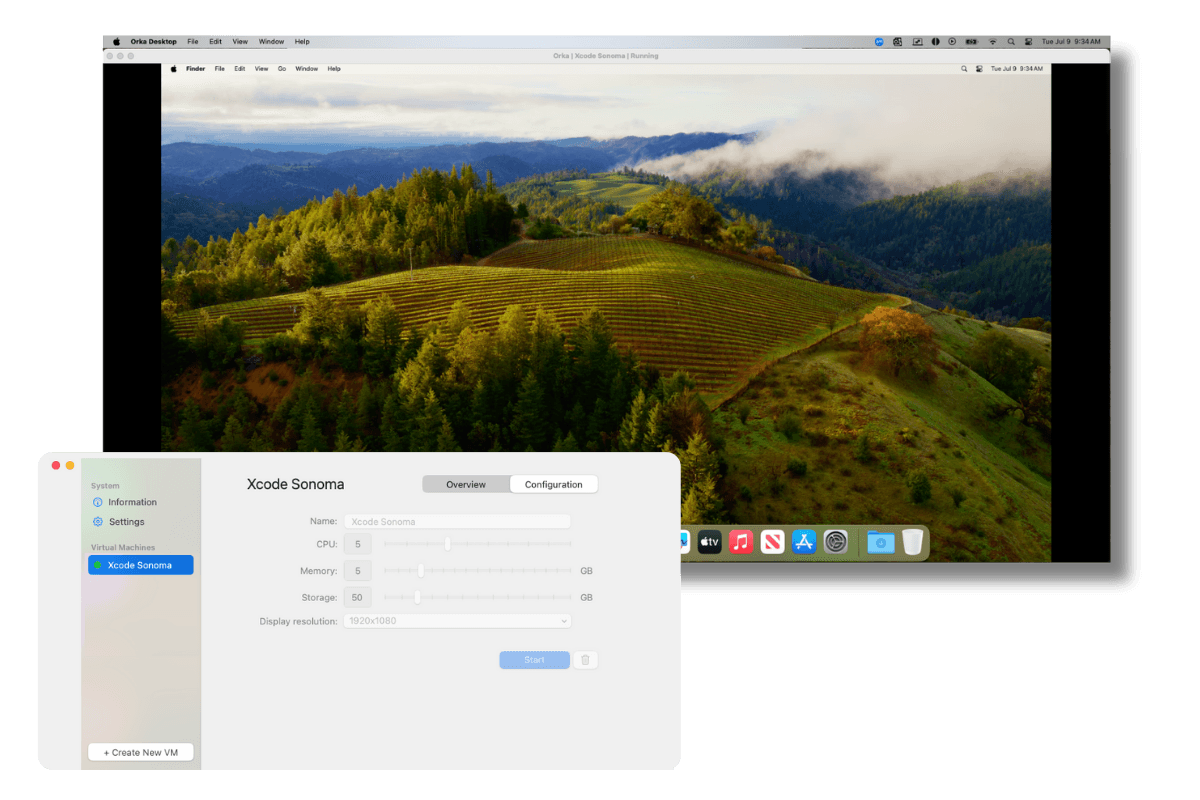
I have been using Parallels for a couple of years now, primarily for running Windows virtual machines (VMs), but occasionally Linux VMs too. I mostly use it for playing games, testing, and the occasional Windows-only application. There are some other long-standing options such as VirtualBox, QEMU, and VMWare. I am intentionally ignoring anything that also runs containers, such as Docker, as that’s a different use case, and a whole other gamut of options.
Thoughtworks’ Technology Radar is a regular time to take a look at what experienced industry experts think might be the next wave of tools, practices, and technologies to consider or stop using.
I have always loved messing around with operating systems and desktop environments. I believe my first graphical operating system was AmigaOS. In the decades since I have worked through various Windows versions, every version of macOS since 7.0, different Linux flavors and combinations, and many other small niche OSs I have forgotten about in a sea of windows and menus.
It's Cybersecurity awareness month every October and this year I thought I'd share something relevant from my recent trip to cover IT Arena in Lviv, Ukraine.