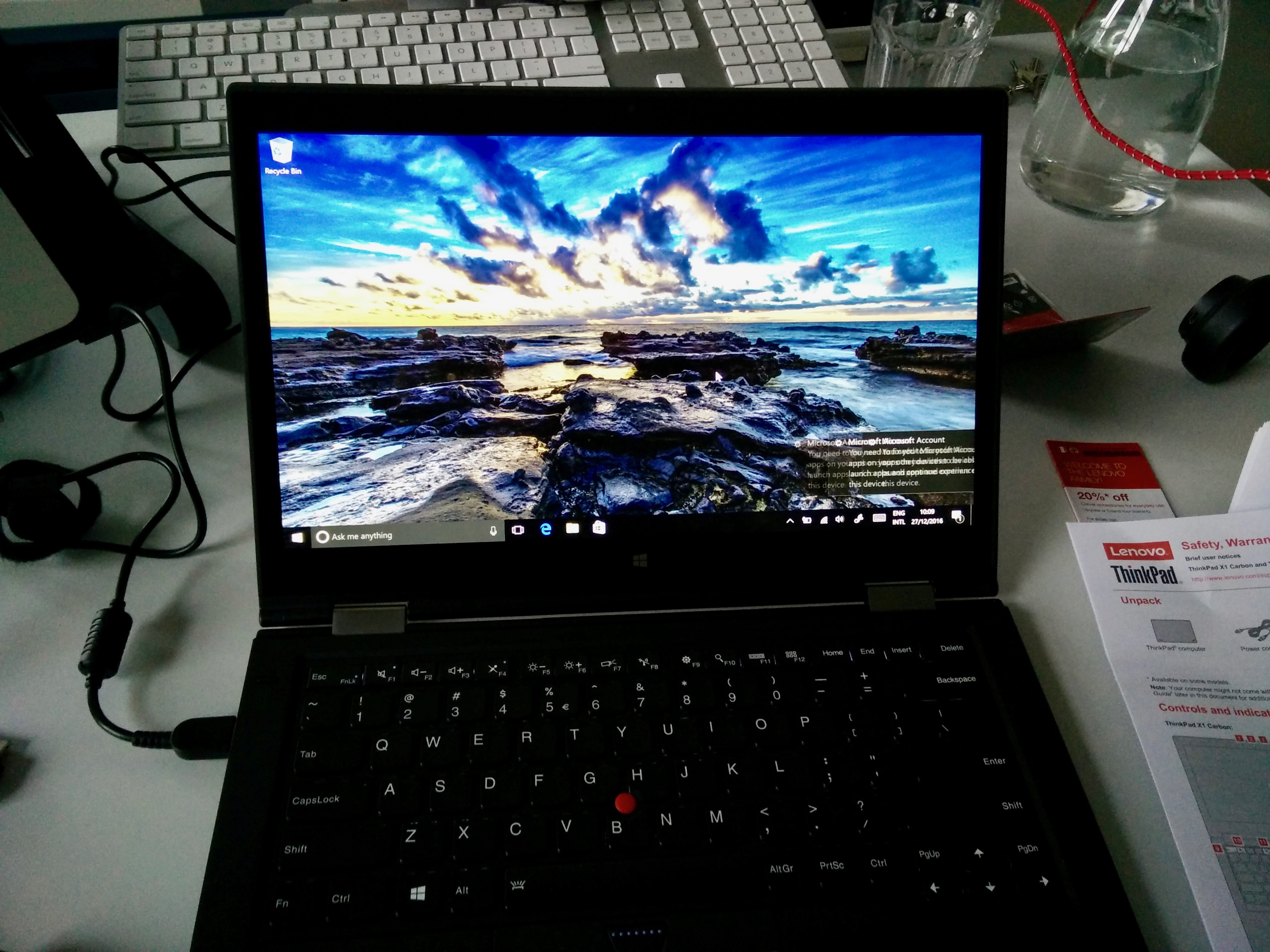
After using macOS for over 20 years I was interested to get new perspectives and try other operating systems in my daily work. In this first part, I spend a month with Windows.
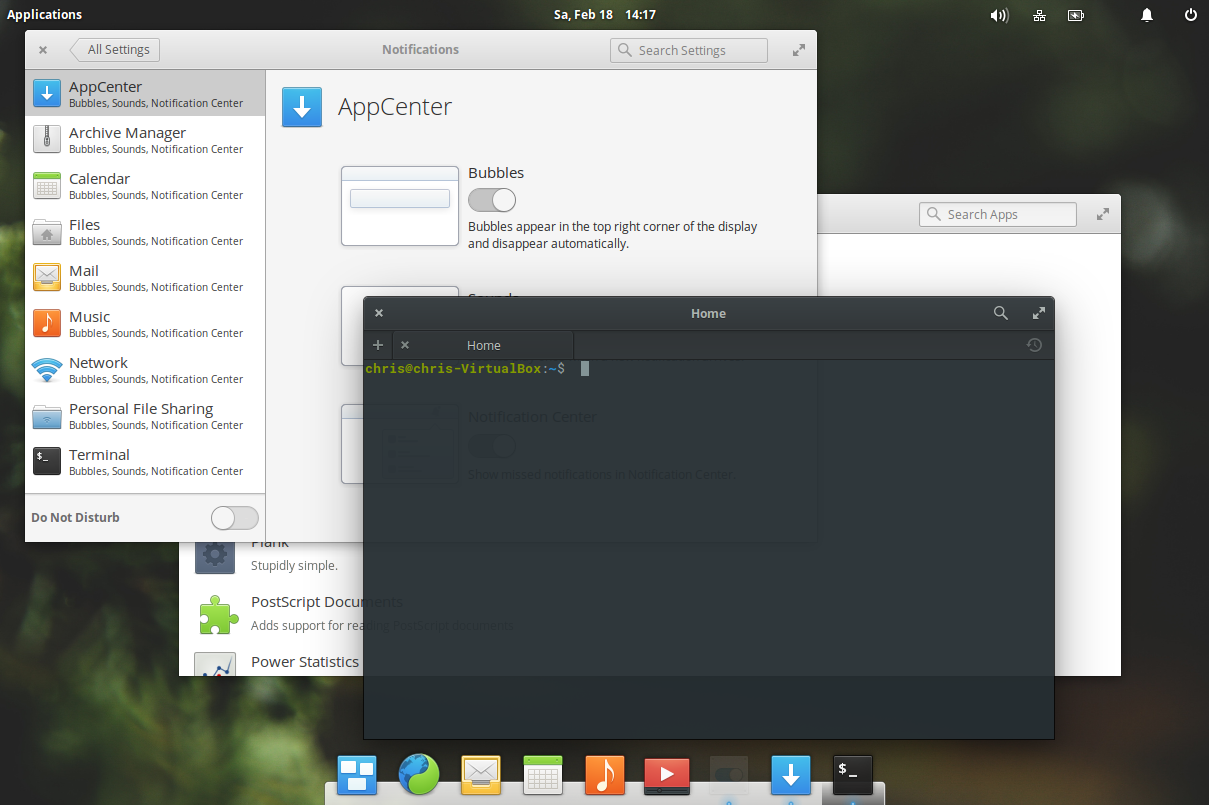
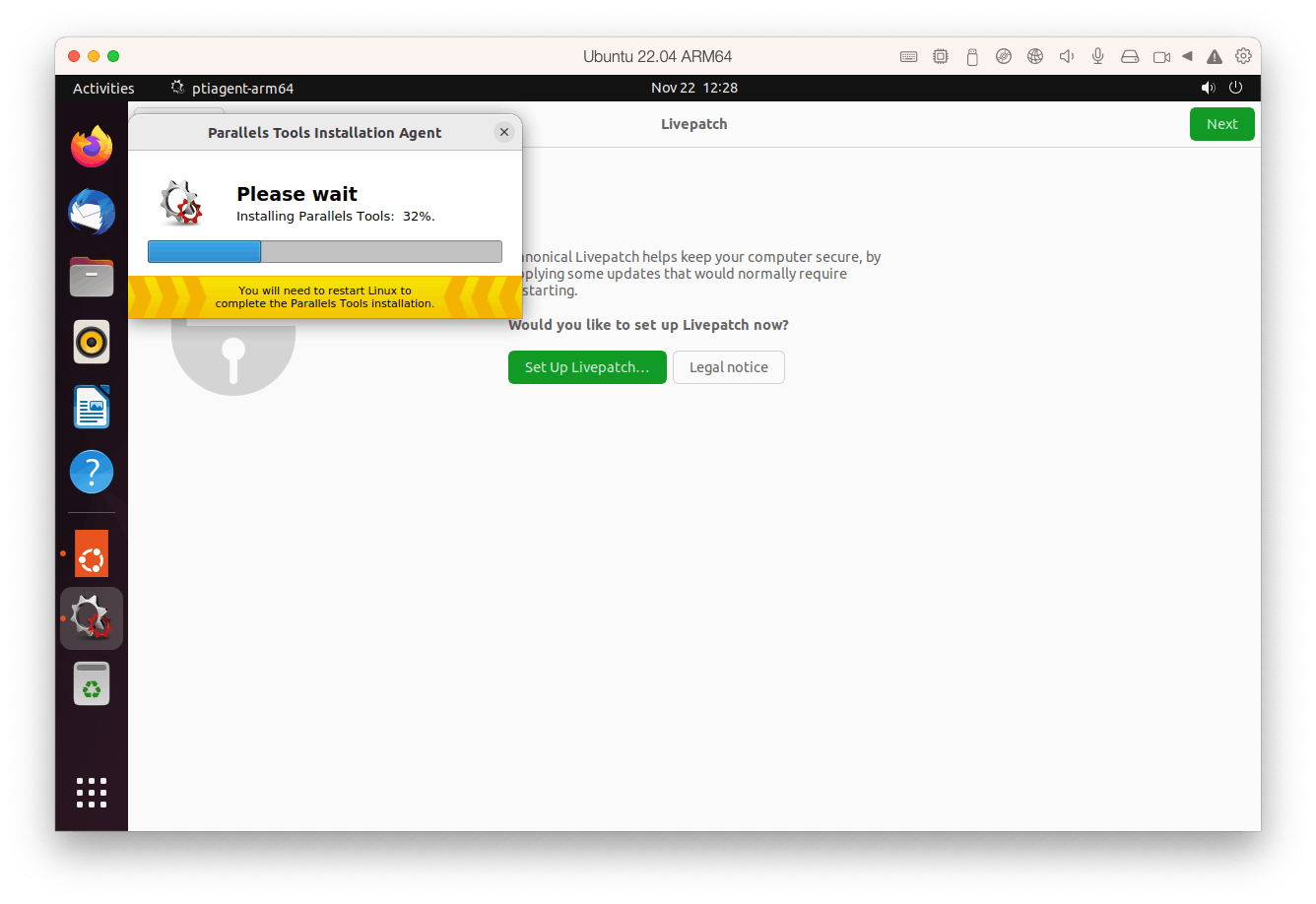
After using macOS for over 20 years I was interested to get new perspectives and try other operating systems in my daily work. In this second part, I spend a month with Linux.
As Apple and Microsoft lose enthusiasm for their desktop operating systems, will it be time for Linux to shine? Or do Linux enthusiasts even care about winning the desktop war anymore?
While Apple announcements are exciting, they're more often user focused than dev focused. Still, we'll do our best to peel back that lid and find out what this means for developers.
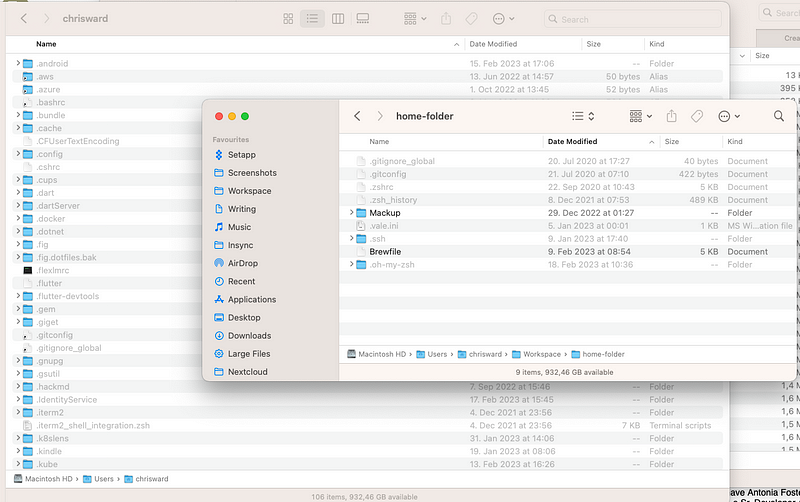
You want to migrate data to a new Mac but are also interested in using a clean install instead of restoring from a backup to remove any of that unnecessary crud that gathers, especially when you someone like me who constantly installs and uninstalls applications and tools. I have been trialing a handful of tools and processes recently building towards helping with this and now I have a shiny new M1 Pro laptop it seemed a perfect time to see how useful they were. Here’s what I wanted to test and how the process went.
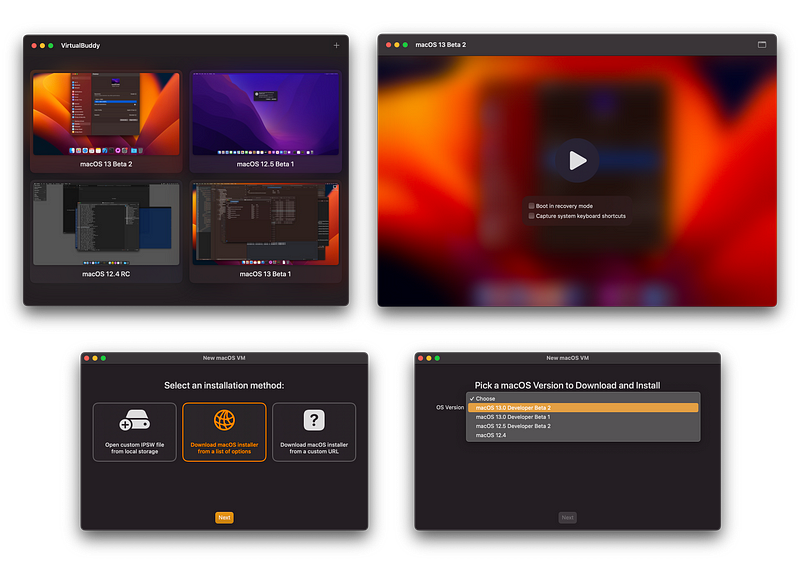
I have been using Parallels for a couple of years now, primarily for running Windows virtual machines (VMs), but occasionally Linux VMs too. I mostly use it for playing games, testing, and the occasional Windows-only application. There are some other long-standing options such as VirtualBox, QEMU, and VMWare. I am intentionally ignoring anything that also runs containers, such as Docker, as that’s a different use case, and a whole other gamut of options.
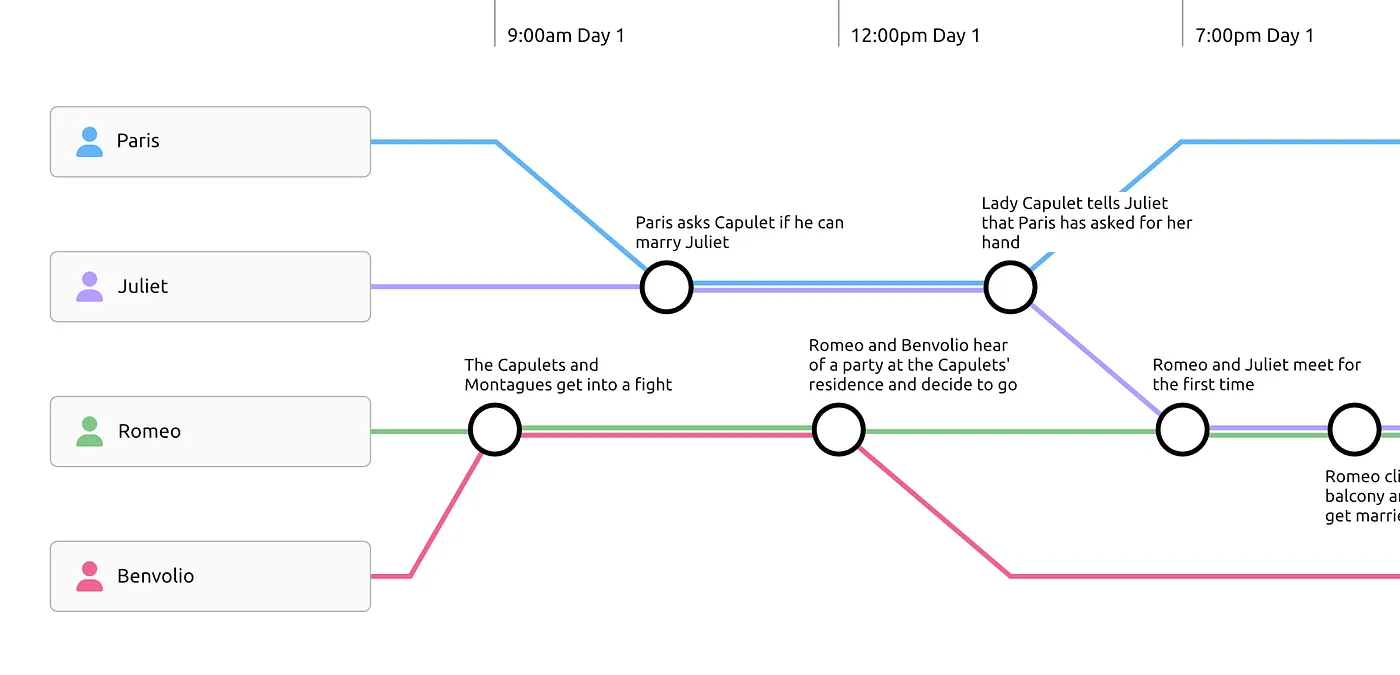
In this post, I cover how I use Aeon Timeline, an application for building interactive narrative timelines. If you want to read more, then take a look at the post I wrote on the Setapp applications I use regularly.
I am extremely lucky to have a display problem. I have a small home office and a studio setup. At home, I sometimes have my laptop under my screen and sometimes to the left. In the studio, I have two external screens, one of which I switch to 1080p when recording videos. So that’s four potential screen configurations. I have always found screen configuration on macOS relatively smart and reliable. It tends to remember individual screens and automatically switch to the configuration you last used with that screen. But if you want to manually change layouts or resolutions, what do you do? You can keep jumping into system settings to make changes, but that gets tedious quickly. I wondered if there was a better way.
What do American Online, the Apple Newton, DVDs, Tamagochis, MP3, PDF, and Sony Discmans all share in common? They were all products born in (and some dying in) the 1990s. An era I remember vaguely well as I spent most of my mid to late teenage years in it. And now I see the fashions and band T-shirts from that era back on the streets and…
I didn’t attend Detroit last year, but did attend Valencia, and while it was great to be back at a reasonably large in-person event again, the event did feel slightly subdued.
I finally finished my first fiction novel after two years of work and have already begun work on my second. I’ve also produced several short stories and have some game supplements in slow progress.
In my last post, I looked at the decision process I went through in deciding what to migrate my long time Jekyll-powered website to. I arrived at Astro and in this post I cover my experiences in migrating to and using Astro.
It’s been a few years since I attended Berlin’s Internationale Funkausstellung, better known as IFA. And after several slow years for conferences and trade fairs, capped off with a slowdown in tech and tech-adjacent spending, I was interested to know what the show floor would feel like.
About 18 months ago, I covered my attempts to replace Evernote. I was surprised by how popular that post was and how much feedback it received. Unsurprisingly, I have adapted and changed my setup since then and in this post, I cover what I now use and how I use it. Hopefully, with the same level of readers and feedback 😁.
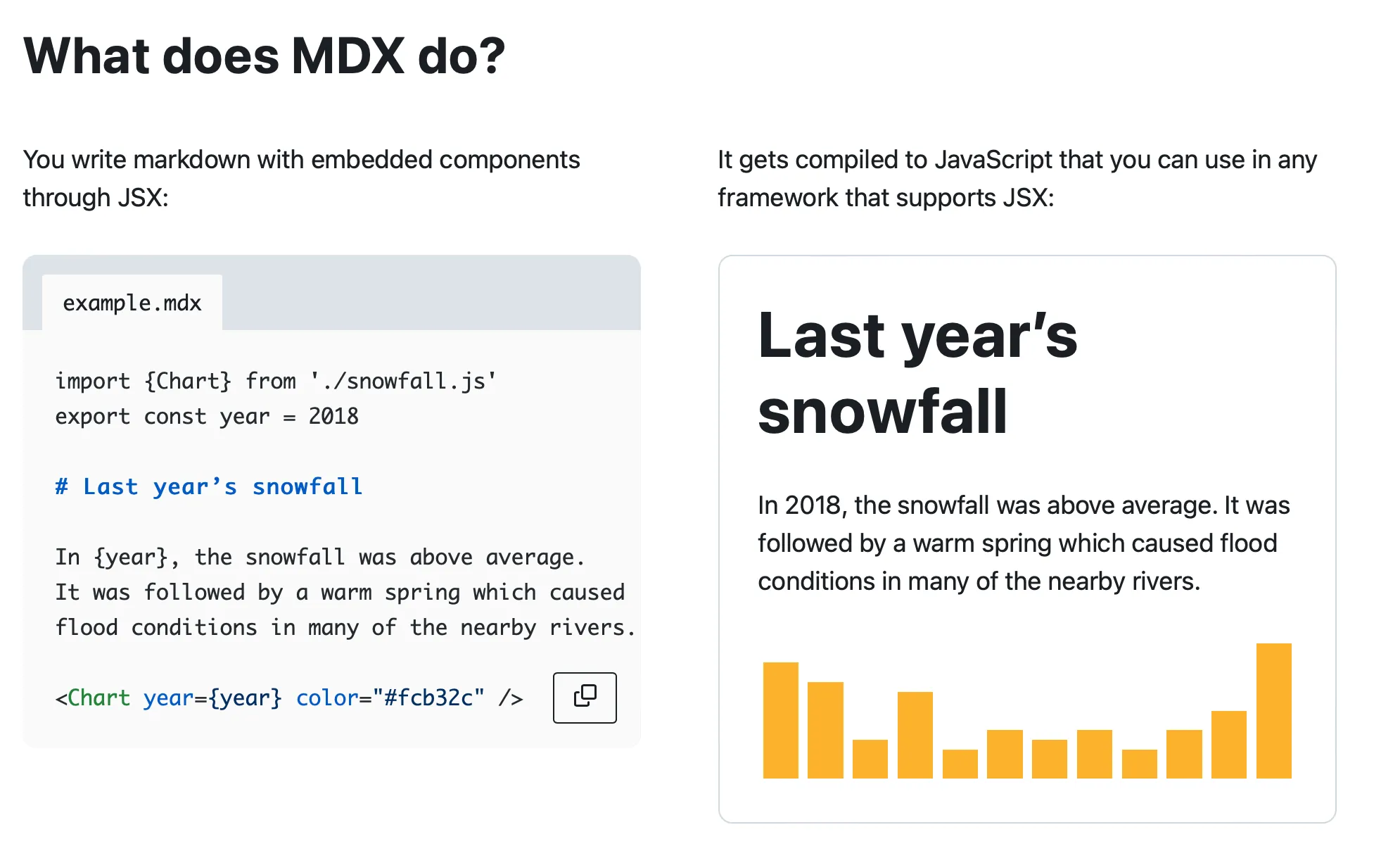
In my previous post I covered my creative writing setup and the post proved quite popular, so I thank everyone who read and left comments for that. Next in this series of posts covering my various setups is my setup for technical writing. In this post I use the term “tech writing” to cover my documentation, blog post, and longer form technical writing work.
Welcome to Setapp Month! I have been a user of Setapp for quite a while now, almost ever since the service launched, and I visited Macpaw’s offices in Kyiv, touring their awesome Apple museum and meeting the office cats. Setapp is a macOS and iOS application subscription service, where for $9.99 a month, you get access to dozens of applications, large and small, complex and simple, old favourites and new arrivals.
Installing and updating applications and other dependencies on a computer really should be a solved problem by now. Yet almost every major desktop operating system provides multiple options, with no real clear answer to “which is best.”
Surrounded by digital devices, it's all too easy to use any number of them to access a world of distractions, rather than focus on doing what you need to get done. In a strange, ironic twist, many of the devices and operating systems now offer tools to help block and filter these distractions. When I split myself between macOS and Android, I had focus modes set on both (conveniently, both OSs call them the same thing), but I never found them to be that effective, as I'd have to keep remembering to keep the equivalent modes the same on both devices. Then I bought an iPhone and discovered that the focus modes mostly sync between devices. With the arrival of the "Reduce Interruptions" focus mode in the 2024 operating systems, I went all in on optimising focus modes to work as efficiently as possible, not only blocking and filtering as many distractions as possible, but also automating them as much as possible.
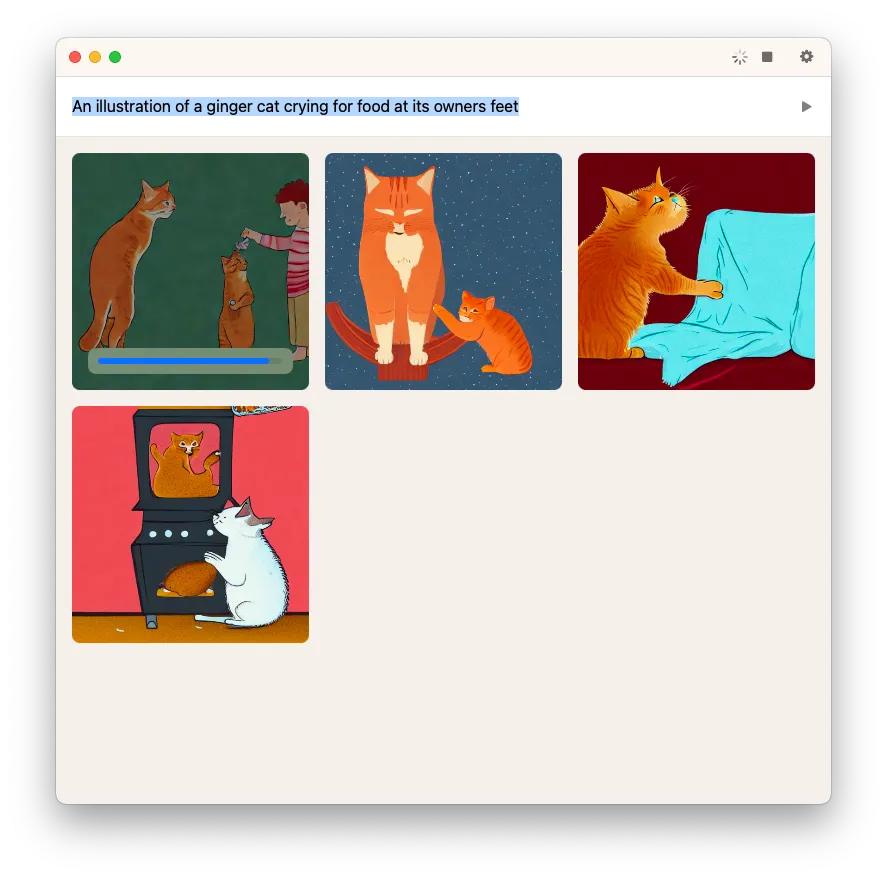
TypeBoost is an AI personal assistant that helps boost writing productivity by allowing you to apply prompts to text in any application. In this post, I test the tool to see how well it performs and how much it improves my productivity.
macOS has always lacked a built-in way to route and mix audio on a per-application basis. Windows users have had per-app volume control for years, but on macOS, you need third-party tools to get anything close. I had been using a combination of SoundDesk, the Stream Deck MIDI plugin, and a Stream Deck plus with dials to solve this. The setup worked, but configuring it was fiddly. Then Elgato released Wave Link 3, and everything changed.