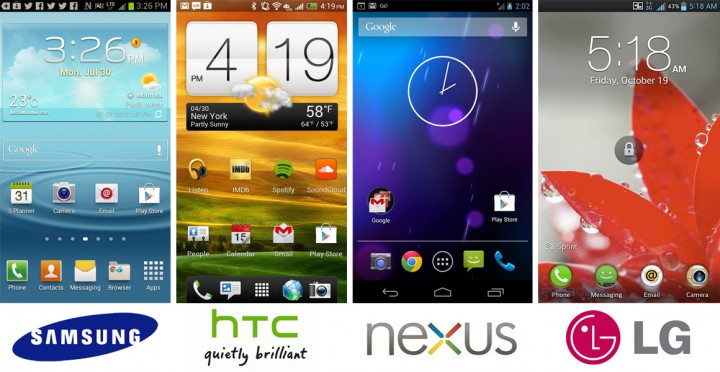
In this video we'll look at understanding the differences between Android devices, system versions and the components that comprise the Android Operating System.
When a project is created in Android Studio it contains several auto-generated files containing skeleton code for our project. In this video we look at what function these files perform and when and why we would edit them.
Android Studio is now the official IDE for Android development. In this video we look at how to download and install it, tour the interface and look at some of the tools and features it offers.
In this video you'll be building upon previously learned techniques by taking data imported via API and displaying it to the interface. We'll learn how to get into the API data, get it into a usable format, and then once it is properly formatted, attach that data to the interface to make a usable implementation of the API data that, in this example, you are fetching from the Marvel API.
Your app is ready, the next steps are to get it into the Google Play Store for people to download and use. In this video we look at preparing your application for release and creating a listings page for your creation.
Images enhance any interface and can help engagement and interaction with your users. In this video we will look at how to load and display images from a remote location via an API and the Volley library. We will look at two methods for loading images and how to layout and format images in an interface.
Another year, another IO. Google made a slew of announcements, from their own foray into the assistant arena, to several curious devices and apps. Few of these have details or any API access for developers, so SitePoint will cover those at a later date. If you’re interested in reading more, I recommend Google’s official IO blog post.
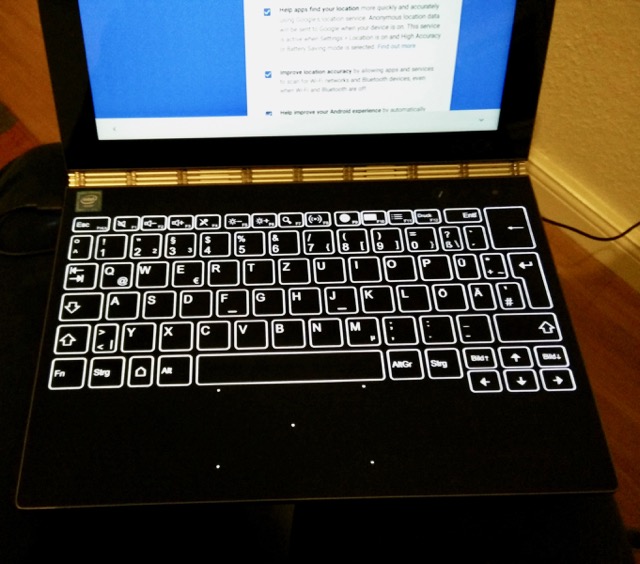
When I saw the announcement of the Yoga Book at IFA I was fascinated. A tablet with a proper keyboard, and a graphics tablet that I could doodle and even write on. Sign me up!
Android finds itself in interesting times. Google has begun creating it’s own ‘premium’ versions of the operating system (OS), Cyanogen have ceased development, and many feel that Android will change name or shape in the near future.
I remember the first time I tried the image recognition technology in the Google translate app, snapping a poster to instantly translate what it said into a language I understood. It was far from perfect, but it was cool, and it showed the potential of what more traditional optical character recognition could be used for.
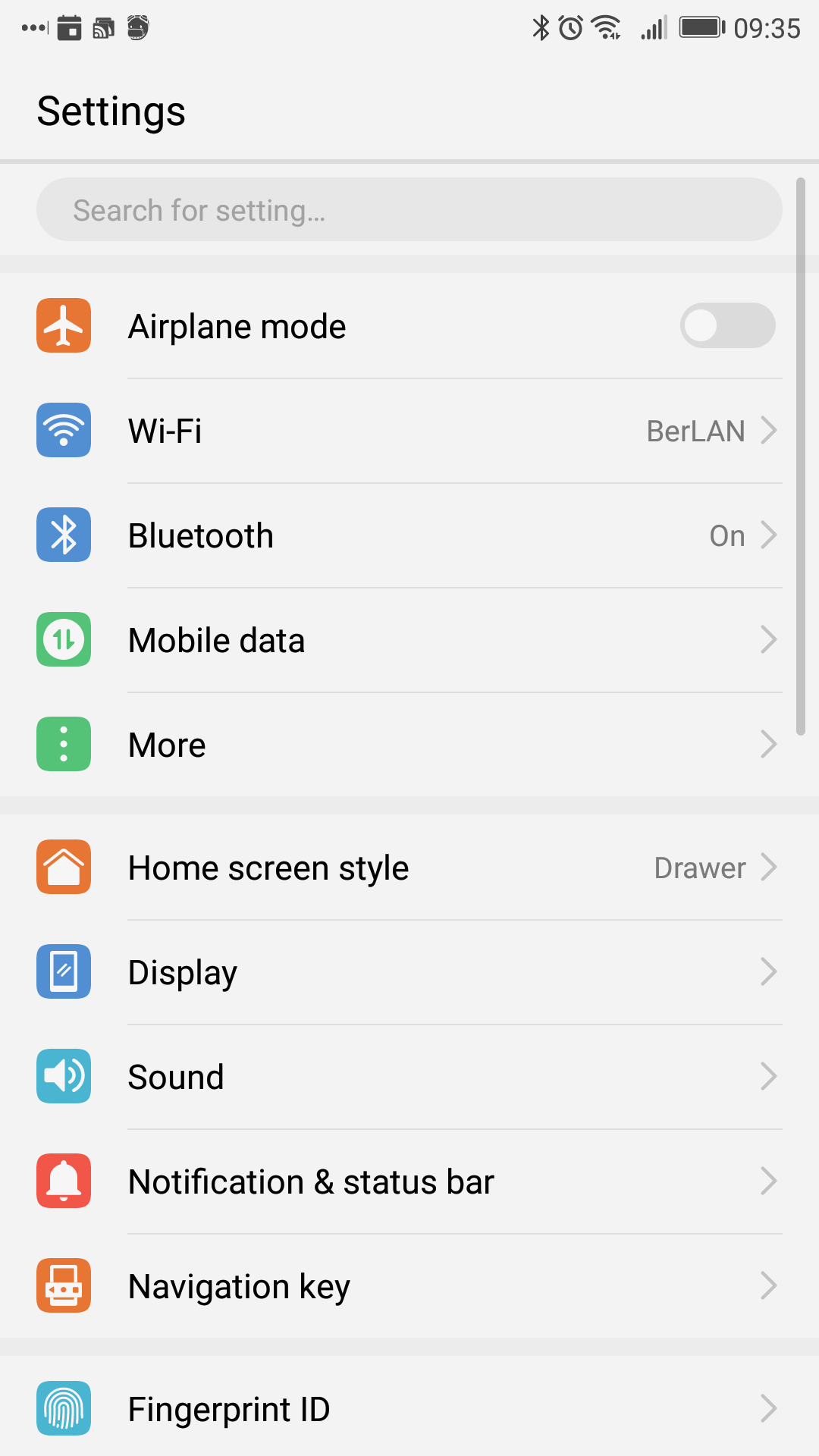
Like any modern citizen, I love my smartphone, but I wouldn't describe myself as a power user, my phone is supplemental to my computer, not a replacement for it.
Read about the most exciting developments from this year's Mobile World Congress in Barcelona, like IoT, Google assistant, augmented reality, and artificial intelligence.
I wanted to create a cross-platform app to aggregate all my todos across various services. I turned to Flutter; was it a good idea? Read on to find out.
Last week, I stupidly left the apartment to take a stroll with my office keys. As I shut the front door to double lock it and stared at the wrong set of keys in my hands with disbelief, I realised my mistake. To make things worse, I was sick, the weather was foul, and my wife wasn’t due to return from a work trip until late evening.