Gear

The hardware and software I use for content creation, music production, and other work. Contains affiliate links.

Adobe Audition Current

I currently use Adobe Audition for editing podcasts and other random audio recording needs. The essential sound tools aside, It feels tired and uncared for in comparison to many other audio and Adobe tools, so I am looking for a replacement.

Much of the reason I stick to Adobe tools is that I am grandfathered into an education license at a great price, so it’s hard to switch away from a deal I will never receive again. However, Adobe have also now changed their pricing model and this discounted rate will stop at the end of 2026, so I am weighing up alternatives.

However, I have so much set up with it, and given my simple audio requirements, it’s hard to find the time or motivation to switch. Open to suggestions!

Buy / Learn more →

Adobe Premiere Pro Current

I currently edit almost all of my videos with Adobe Premiere. Much of the reason I stick to Adobe tools is that I am grandfathered into an education license at a great price, so it’s hard to switch away from a deal I will never receive again. However, Adobe have also now changed their pricing model and this discounted rate will stop at the end of 2026, so I am weighing up Final Cut Pro and DaVinci Resolve as alternatives.

For some time, Premiere felt as tired as Audition and was treated with disdain by many video professionals. However, in the past few years, it has upped its game, and while some of the new AI features I have less need for, tools like text-based editing and sound enhancement have been a great productivity boost.

I have been building libraries of assets for text and graphic overlays while editing. But the way Creative Cloud applications save and sync different styles and assets into synced libraries remains confusing to me, as does what I can store as an asset versus what I need to keep separately as an After Effects project. But I will keep pursuing it, as my current workflow (embarrassingly, copying and pasting previous overlays from older videos) is problematic.

Buy / Learn more →

Apple Mac Mini M4 Pro Current

As you can see, I have a lot of gear, which use a lot of USB ports. For a while I used an M1 macBook Pro, but plugging it in and out of the hub/monitors I use was annoying. For music work I also have gigabytes of sample libraries and plugin data on an external drive. I liked the idea of keeping it all in one place, and I am pretty happy with the setup so far.

Buy / Learn more →

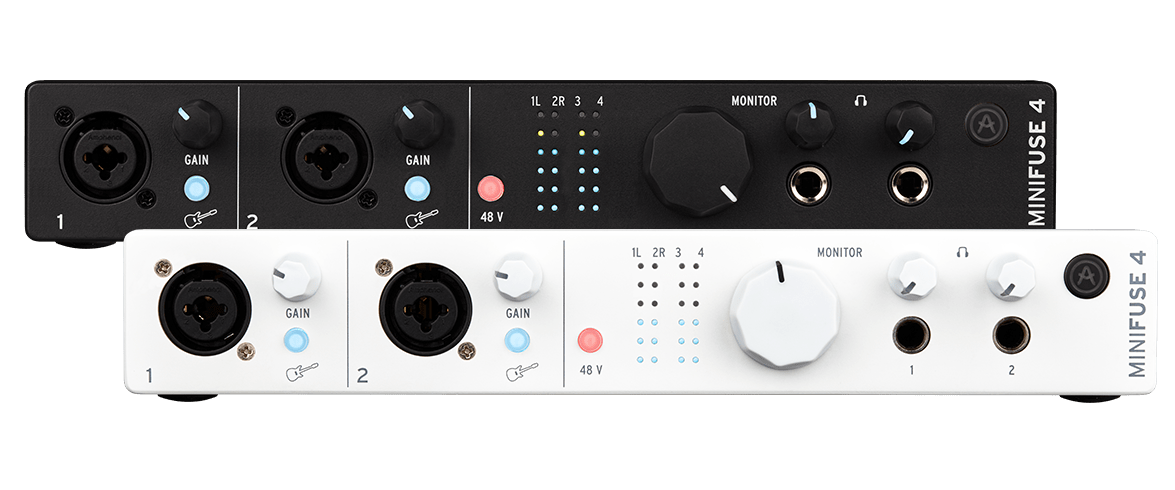
Arturia MiniFuse 4 Current

My main audio interface is an Arturia Minifuse 4, which I use for connecting my Shure MV7 as well as DT 770 Pro headphones. And when I work on music, I use it to connect guitars and synths, etc. I mostly bought it for the dual headphone outputs, meaning that my musical collaborator and I can have our own headphones and mixes. I don’t currently use the MIDI connections, but I may in the future. Recently one of the inputs on the front of the device stopped working and it’s out of warranty, but I still have enough, so I am casually looking for a replacement.

Buy / Learn more →

Blue Yeti Current

For many years, I exclusively used this Blue Yeti (now owned by Logitech), which has served me diligently for nearly ten years. However, I changed that as I was looking for a microphone to use on video that obscured my face less, settling on the Shure MV7. I still keep the Yeti in a kind of “spoken word” booth for when I do pure audio recording, such as audiobooks or voiceover work.

Buy / Learn more →

Descript

A few years ago, Descript was the only option for text-based editing of audio and video, and when the company merged with Squadcast for remote recording for one reasonable price, it was a no-brainer for me. But I found myself using the editing features less. Transcription has become something of a commodity in tools, and many of the features I used to use, such as an interactive transcript, I feel I no longer need. Recently, Descript, like many companies, is adding a bunch of AI features I don’t need or can get elsewhere. Oddly, Squadcast remains one of the cheapest options for remote recording, so the Descript features are almost a bonus on top of that. I cancelled my subscription a few months ago, but I renew it, I am still deciding.

Buy / Learn more →

DT 770 Pro Current

Through various twists of fate, sales, and second-hand deals, I also have far too many headphones. But my now-favourite pair for editing work is the classic DT 770 Pro. They are big, cable-only, and incredibly comfortable, especially for those who wear glasses.

Buy / Learn more →

Elgato Key Light Current

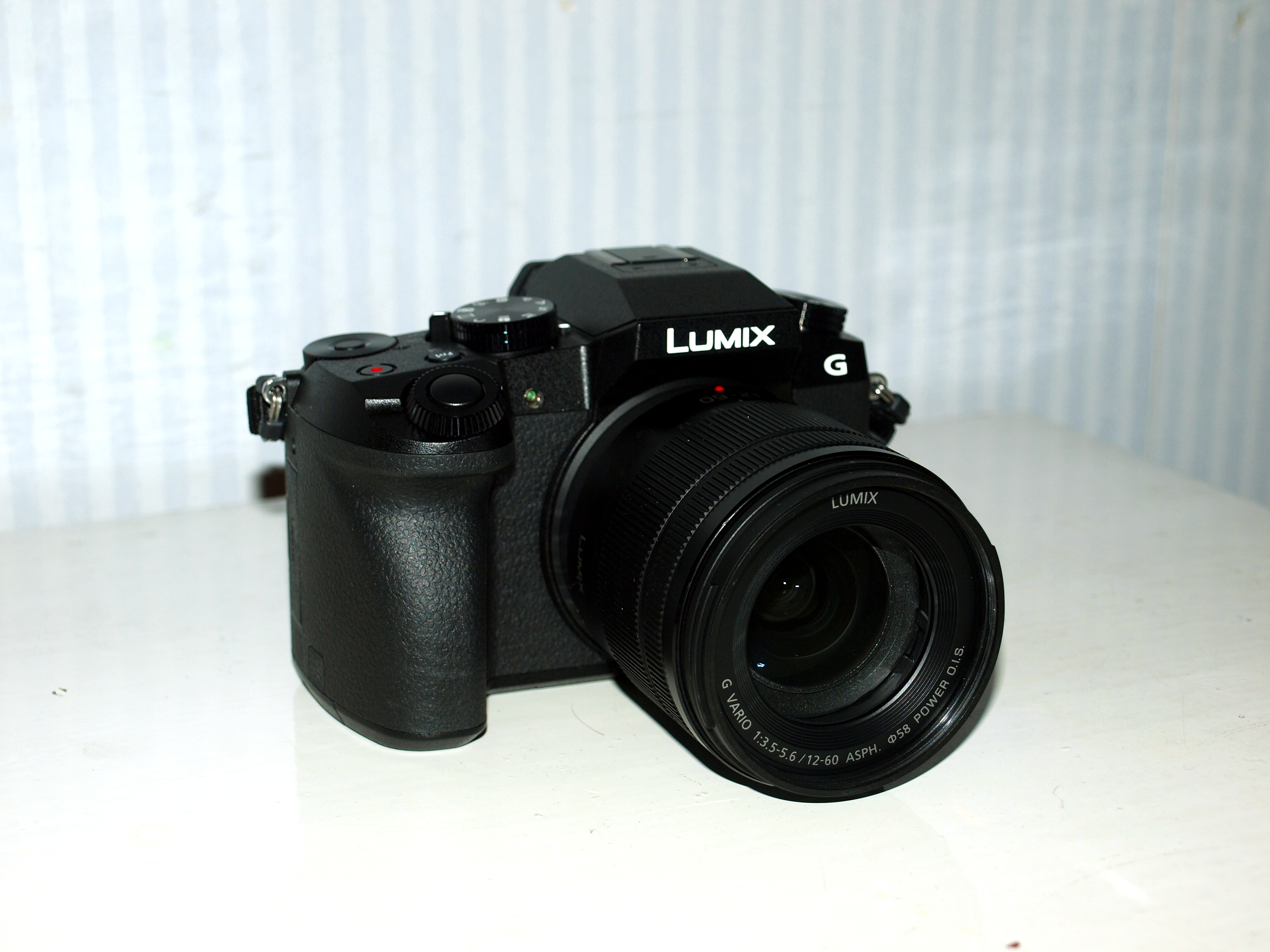
Sitting on the camera’s hot shoe mount is an Elgato Key Light, a compact, app-controlled LED panel designed for content creators. It delivers bright, colour-temperature-adjustable light and is controllable via the Elgato Control Center app or a Stream Deck. It’s now discontinued by Elgato, so I bought it second-hand, I honestly don’t know why Elgato discontinued it, as it is a great product.

Buy / Learn more →

Flexispot Lotus chair Current

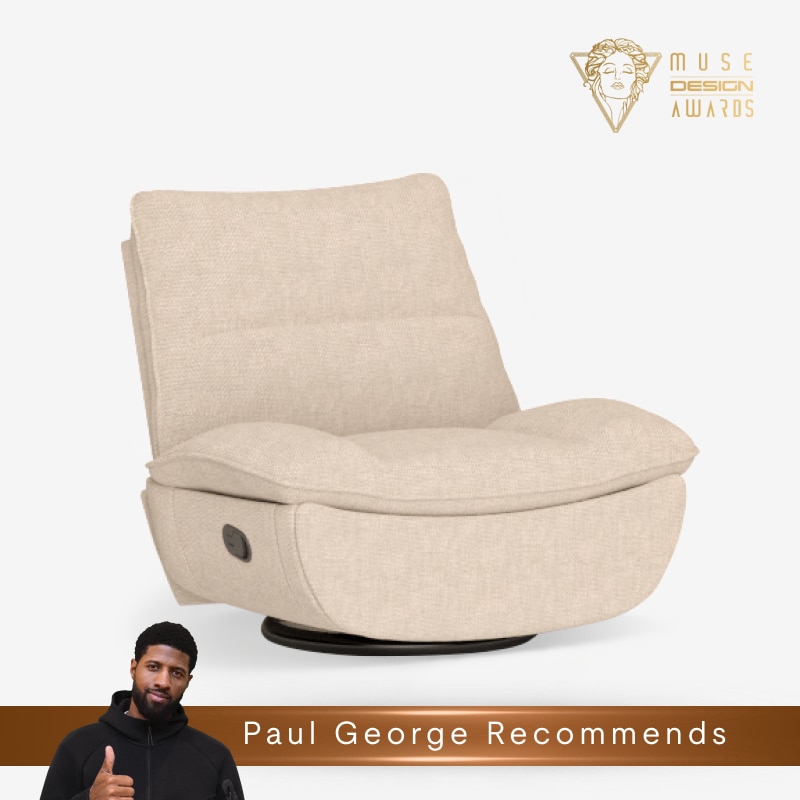
Sometimes I just need to relax, or have a power nap, and the Flexispot Lotus is one of the most comfortable chairs I have ever sat in. It reclines to a full 180 degrees, has a footrest, and is very well padded. I lay back, plugin a podcast, wear an eye mask, and often have an extremely comfortable nap.

Buy / Learn more →

iRig Mic HD 2 Current

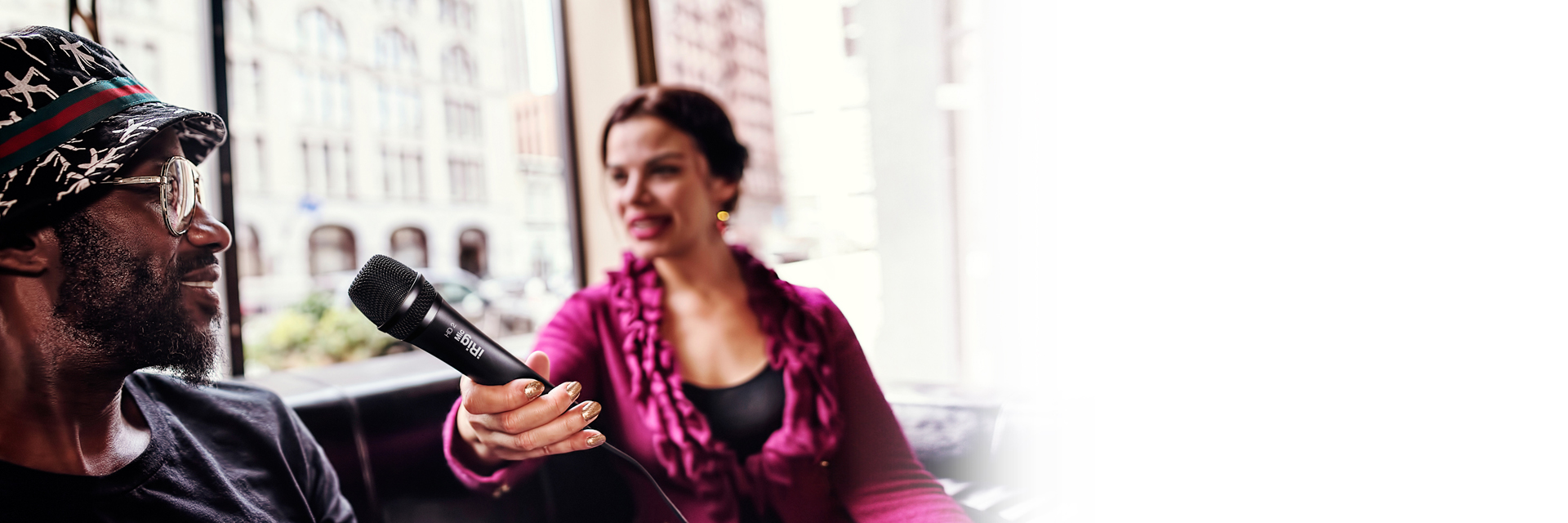
For most of the past few years, I used an iRig Mic HD 2, am still happy with it, and use it when I conduct podcast interviews at home late night. However, I wanted separate microphones (and thus recordings) for myself and the interviewee, ideally without needing large external recording devices that would then break my baggage requirement and now for event interviews I use the Neewer CM 28 instead.

Buy / Learn more →

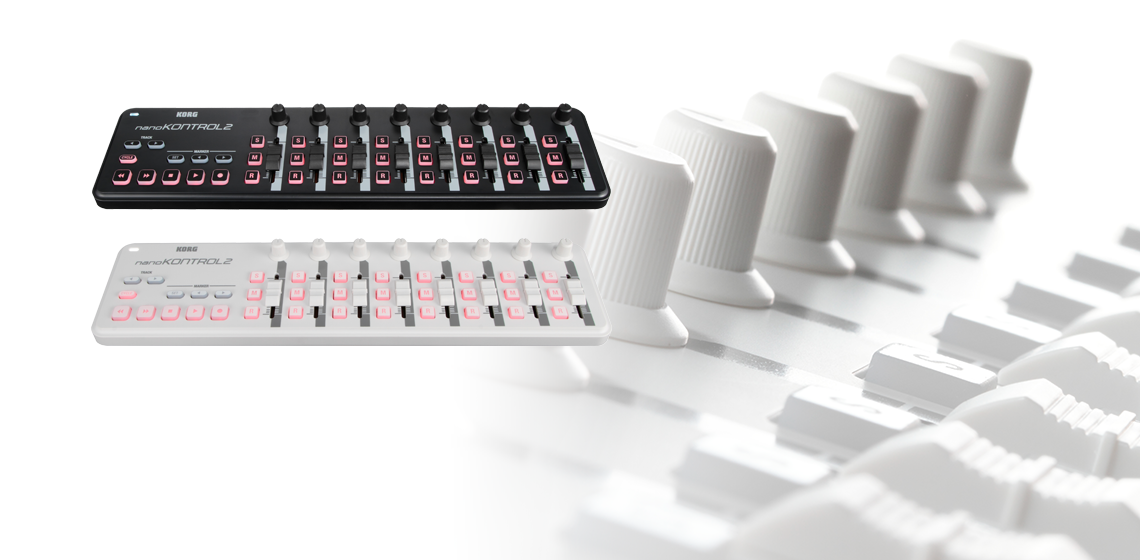
Korg nanoKontrol 2

For editing, I used to use a Korg nanoKontrol2 because I am old and like the feeling of pushing sliders and twiddling knobs. It supports different control modes, which makes it work with almost any application, but it means you have to note or write down a handful of keyboard combinations to switch between those modes in different applications. Combined with the stream deck, this gives a lot of possibilities and flexibility.

I have now replaced it with a combination of the Novation Launchkey 49 and Stream Deck, depending on the use case.

Buy / Learn more →

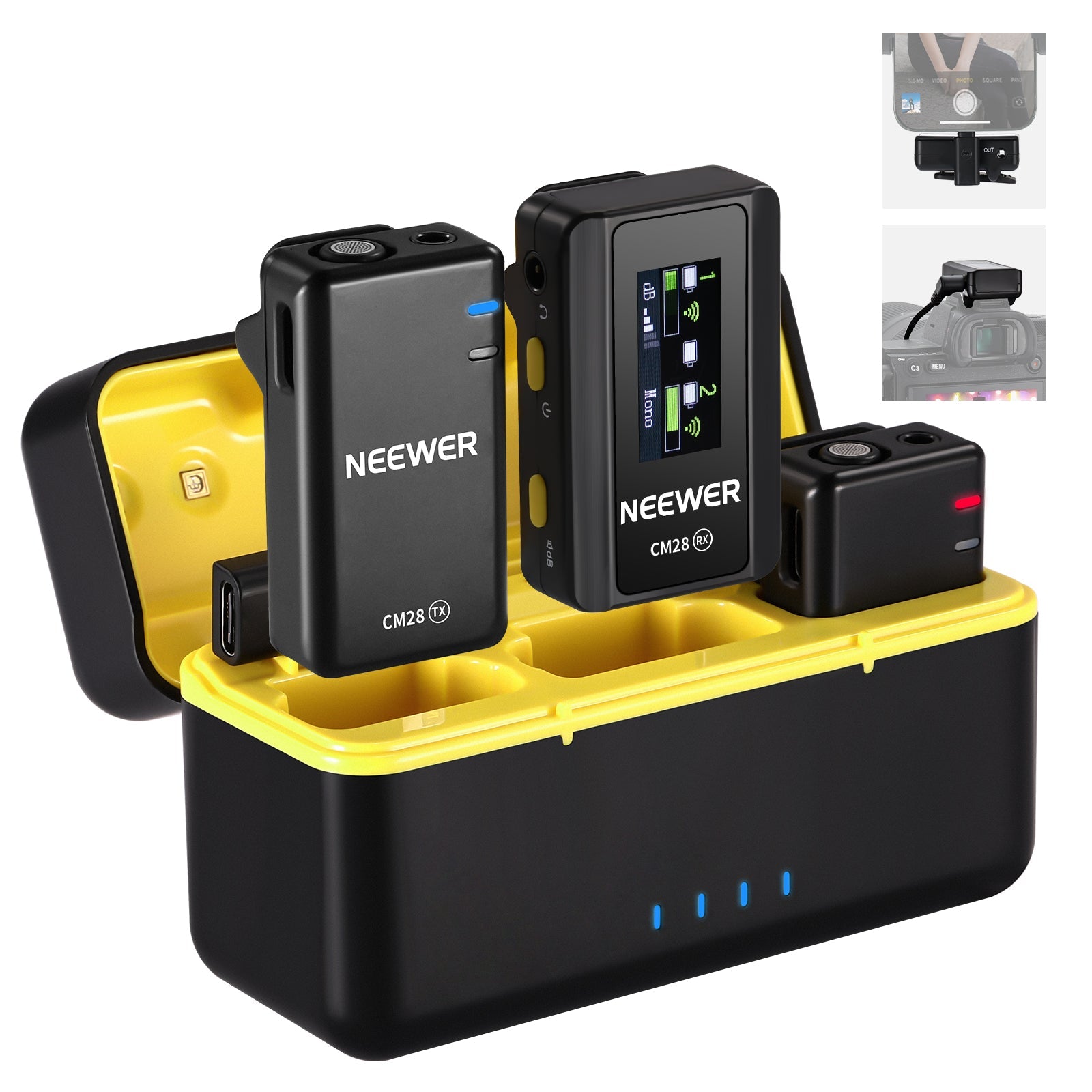
Neewer CM 28 Current

When I travel and conduct interviews, I use the Neewer CM 28, a curious device that sparks plenty of conversation when I use it, which is an unexpected bonus to warm up interviewees. It consists of two small lavaliar-style mics, a receiver, and a case which is also a battery. Each mic can store 2GB of audio, and the default format is WAV, so the quality is reasonable if a little hollow-sounding. My only issue so far has been that the mics date stamp each file with the start of Unix time (January 1st, 1970), making it hard to match files to interview when it comes to editing later.

Buy / Learn more →

OBS Current

I use OBS for recording almost all my YouTube videos.

When I record, I mostly use OBS as a simple two-scene switcher, one for face-to-camera and one for screen sharing. I don’t add any filters or effects, as I add those in editing for recorded videos. I use Prores 422 LT for the codec, as my video work is not complex enough to need anything higher in terms of quality, but I like having uncompressed footage to edit with. OBS settings are a topic unto themselves, so guess what? That will be a future post 😁.

I have been looking at other commercial options, but haven’t made the switch yet.

Buy / Learn more →